
How we work
- 1Plan pages and user journeys
- 2Design the content and interactions
- 3Build, test, train, and launch
What we do
Design around your needs, then exceed your expectations.
We’ll start with a free consultation. We’ll gather your needs and desire with a focus on creating an actionable plan. You’ll leave the meeting with a list of details to gather and a contract laying out the work to be done. This will cover a 50% down payment, pages to be created, timeframe for completion, and a firm definition of done.
From there we’ll get to work. We’ll transfer or purchase your domain, build your website, and get you access to manage it. We can train your staff to handle ongoing changes or work to set up a long-term support plan. When we’re done we’ll publish publicly and hand things off to your company.
After completion we offer content update services, advertising plans, and business strategies to keep you ahead of the curve. Questions about the details? Don’t hesitate to ask!
Easy updates, included
We build it. You can keep it up to date.
Once your website is up, you can edit it yourself without any software development knowledge. We set you up with Pages CMS, a free website editor. CMS stands for Content Management System. That simply means a place to change the words, pictures, and business details on your website.
Think of it like filling in a form. Update your hours, change a price, replace a photo, or add an announcement in the sections we prepare for you. Your website keeps the design we built while you keep the information fresh.
You will have a seperate beta copy of your website to test your changes. This is a practice version with its own link. You can publish changes there first, see how they look, and check photos, links, and page layouts before your customers see them. When you are happy, you can promote those changes to your live website, the real version your customers visit. Your live site stays as it is until you choose to publish the checked changes. We show you how to use both copies and move changes from beta to live.
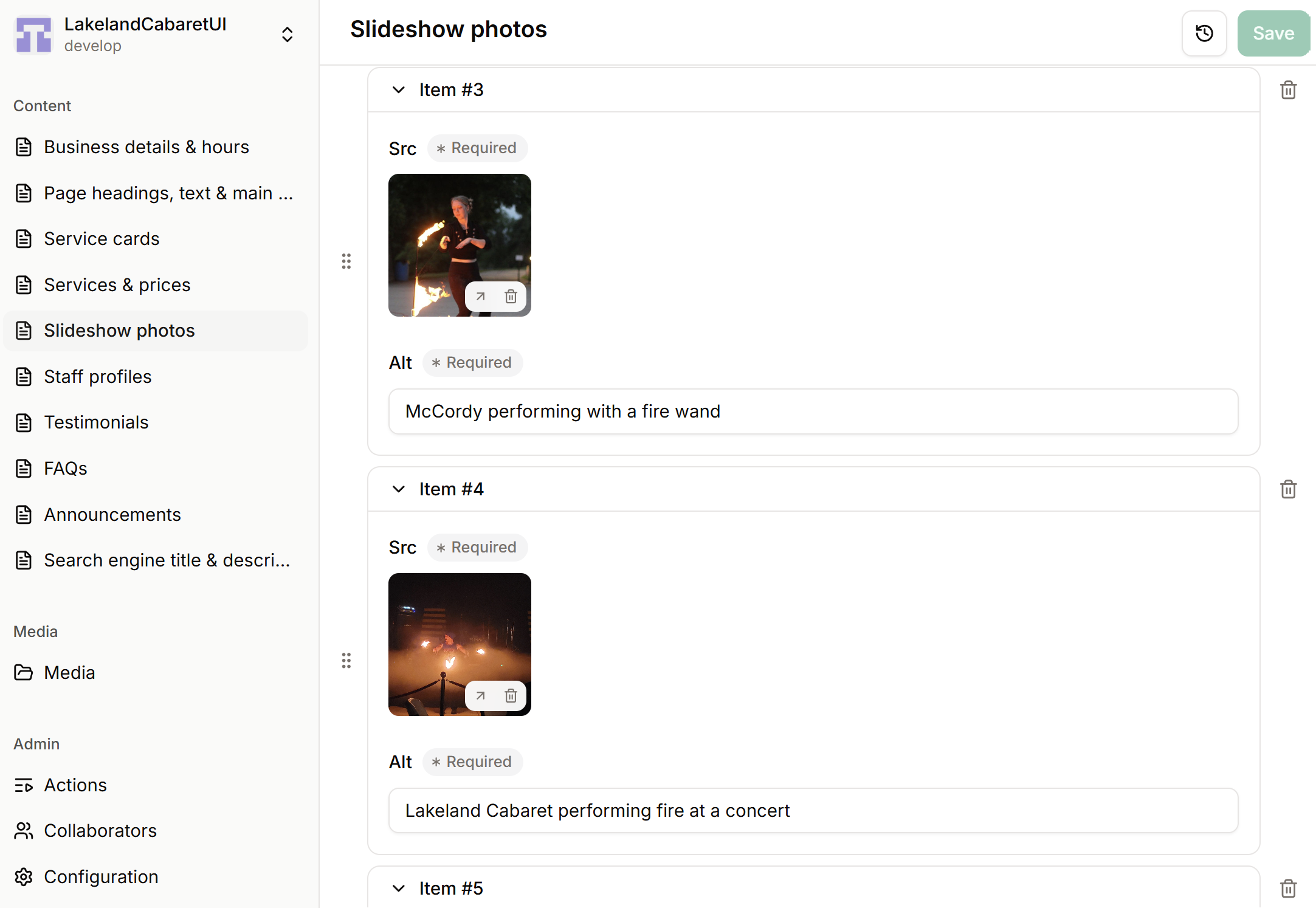
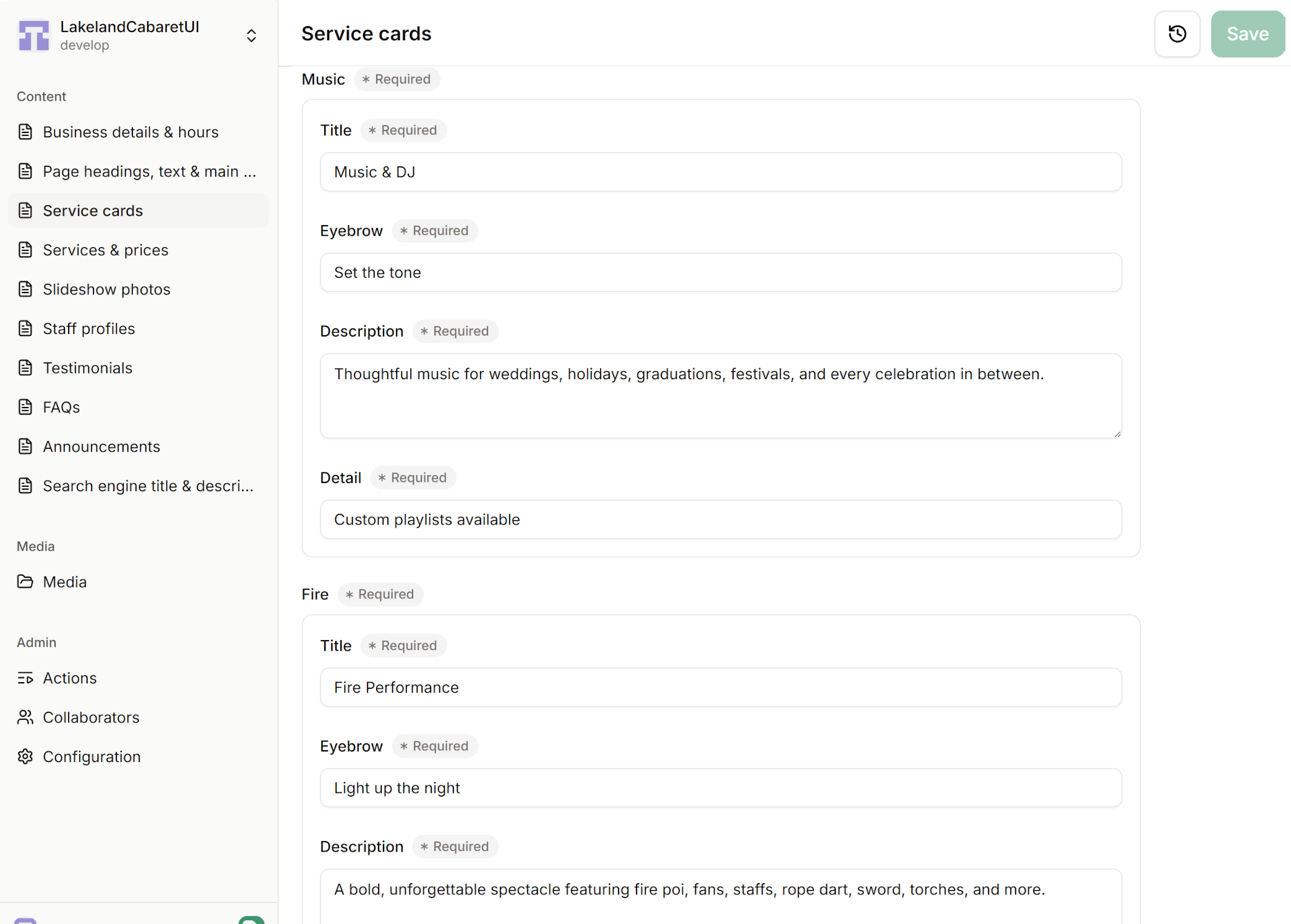
Sign in
Open the editor link we give you in your web browser. We help you get access and show you around before handing over the site.
Edit and test on beta
Select your beta copy, choose a section, then type into the labeled boxes or upload a photo. Save to publish to the beta site first. Open its link to check your changes and make any adjustments. You do not need to install software or write code.
Publish when you areyou're ready
Once everything looks good on beta, follow the steps we show you to promote your changes to the live site. Give it a moment to update, then open your usual website address to check the finished result.
Your everyday edits are free. There is no monthly Pages CMS subscription and no need to pay us each time you change your content. We include a walkthrough and follow-up email support. Want a new layout or extra features later? We can help with those separately.
Featured multi-page website
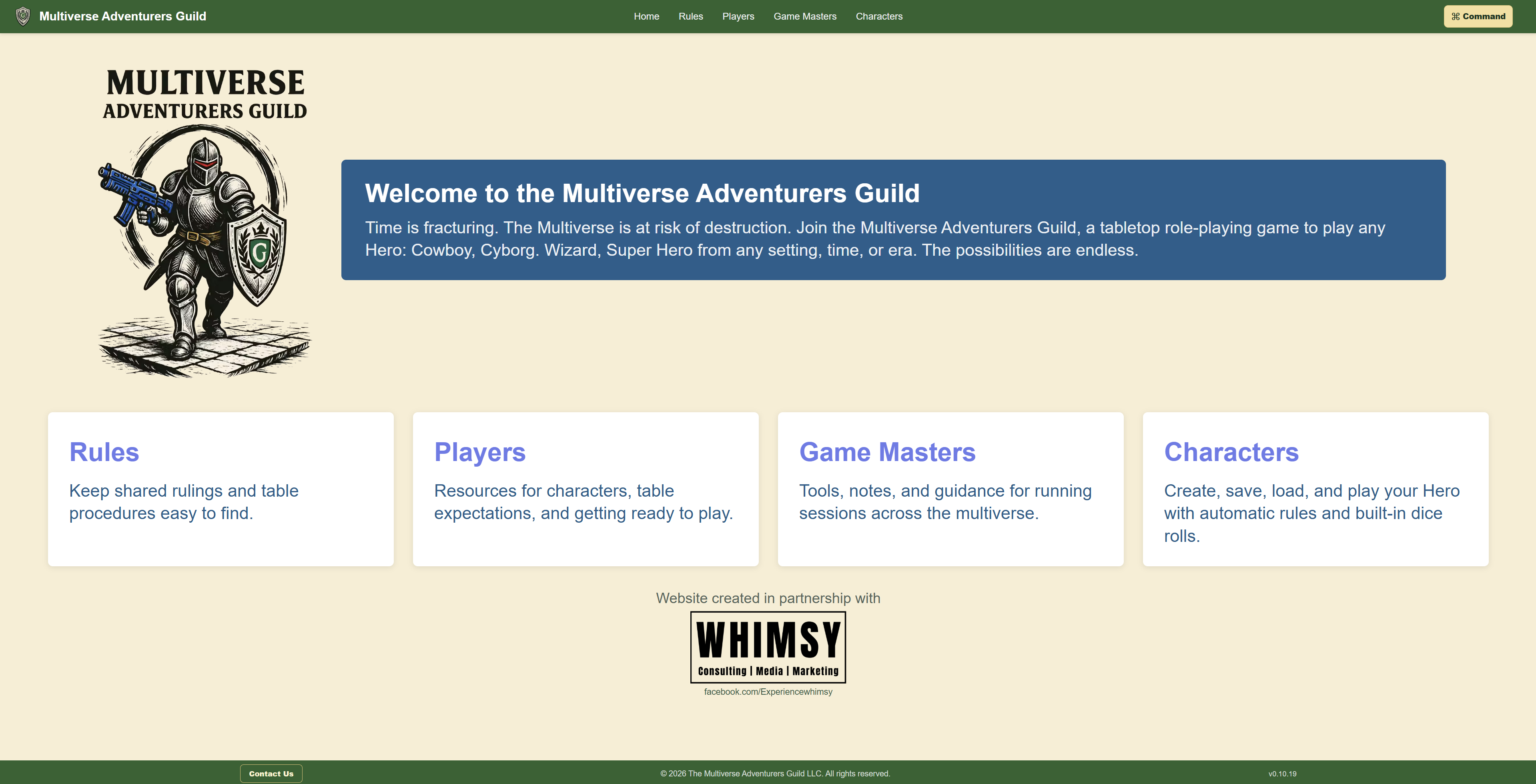
Multiverse Adventurers Guild
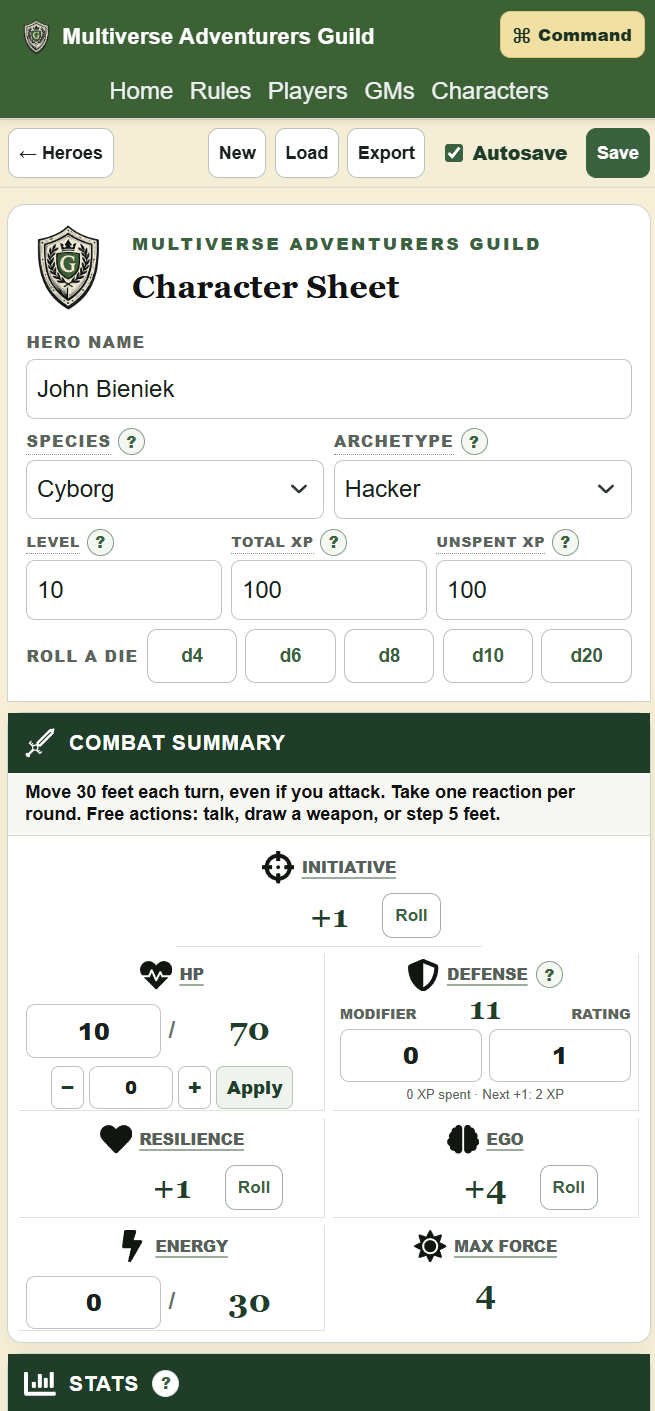
This project shows how a multi-page website can grow beyond publishing information. Here, the complete rule sets connect to an interactive character tool that people can use while they play. The playable character sheet auto calculates changes and updates the UI. Changes can be saved locally or exported to other machines. The ability to add such powerful and engaging tools to your site leaves you with vast opportunities to engage with your clients!
Explore the live website ↗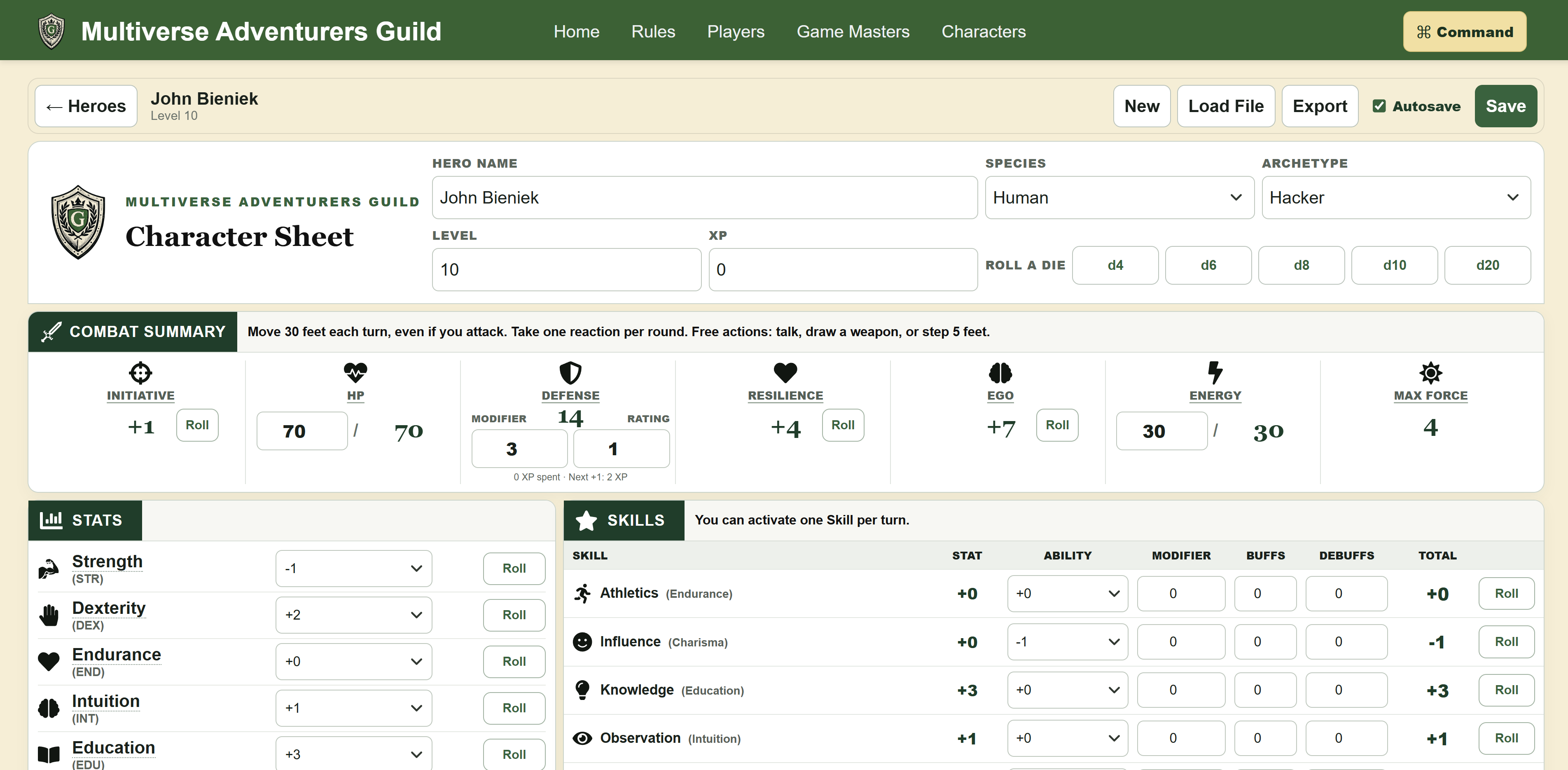
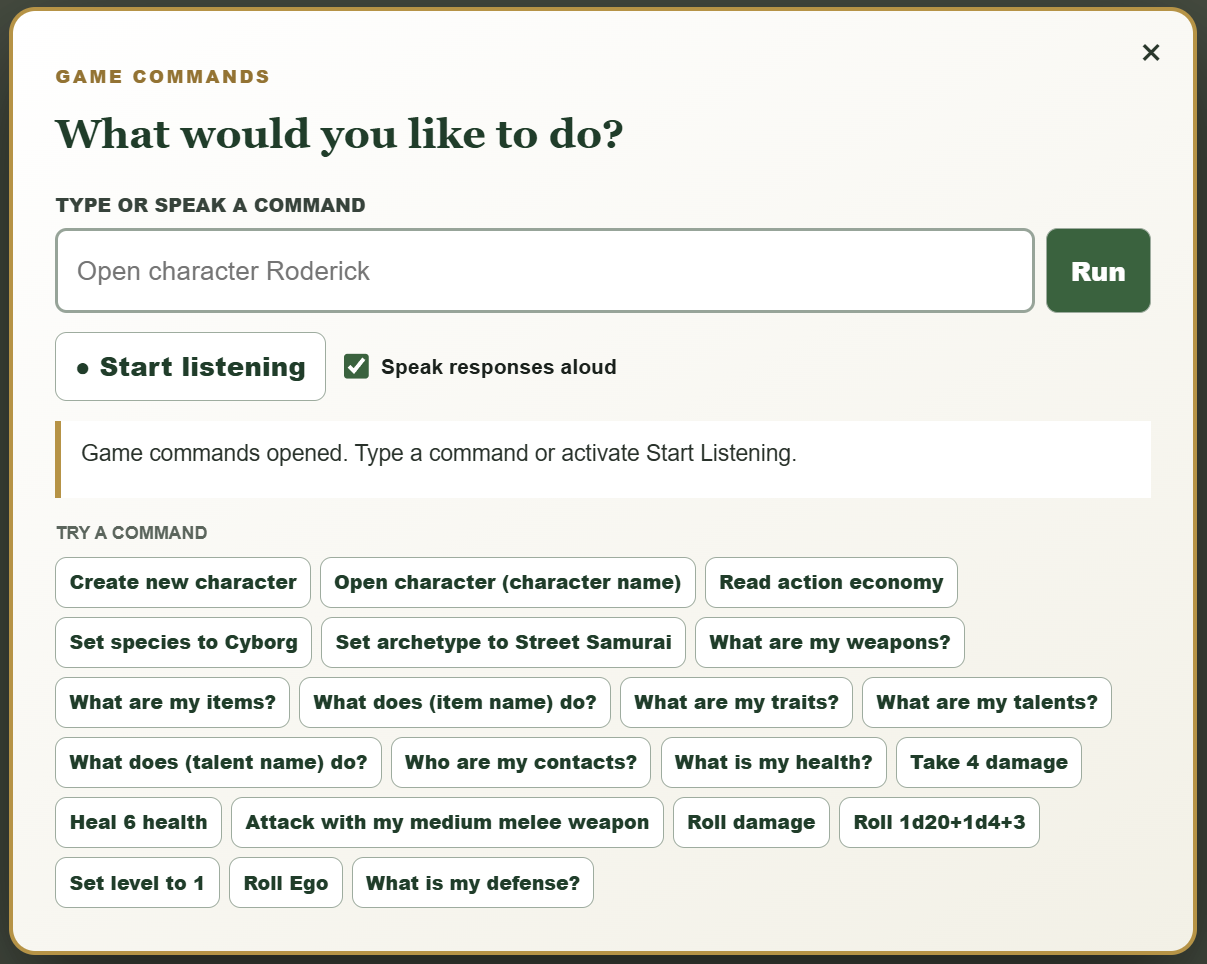
The application can be run entirely from voice commands. This level of accessibility allows even visually impaired gamers to get the full experience.
Character-sheet labels link to the exact supporting rules, turning multiple content pages and the interactive tool into one useful system.
Players create and edit heroes, calculate derived values, manage equipment, and roll checks, attacks, and damage directly in the page.
Characters save in the browser with explicit save and autosave options, then return in a library without requiring an account or database.
Built for real use
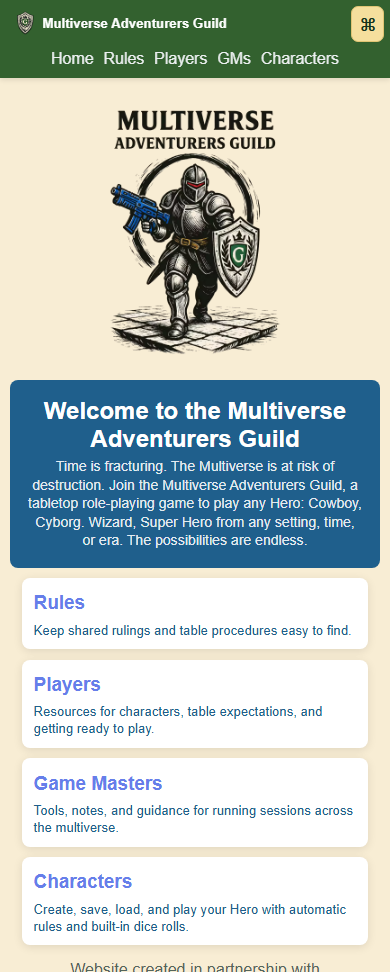
Complex tools can still work on a phone.
The layout reorganizes controls and game information for smaller screens instead of simply shrinking the desktop experience. That keeps character creation, saved heroes, rules, and play tools useful wherever the audience needs them.
What’s included
A finished website, ready for business.
We plan, design, build, and launch the site with the essentials already connected.
5 pagesA Cross platform site
Custom layouts built for phones, tablets, and desktops.
Structure and strategy
Clear content, visitor paths, calls to action, and feature planning.
Launch setup
Domain, security, business email, analytics, and final testing. Launch help and follow-up email support are included.
Full CMS access
Full access to your CMS and a walkthrough so you can update your website content yourself for free, without needing us.
We’ll scope custom tools before work begins.