A connected rulebook
Guides for players and Game Masters organize the game into readable sections. Links connect character choices to the rules that explain them.

A tabletop roleplaying game needs more than a place to read the rules. This application brings the publication and the tools for playing it together, so players can create characters, follow references, and roll dice in one place.
Explore the game ↗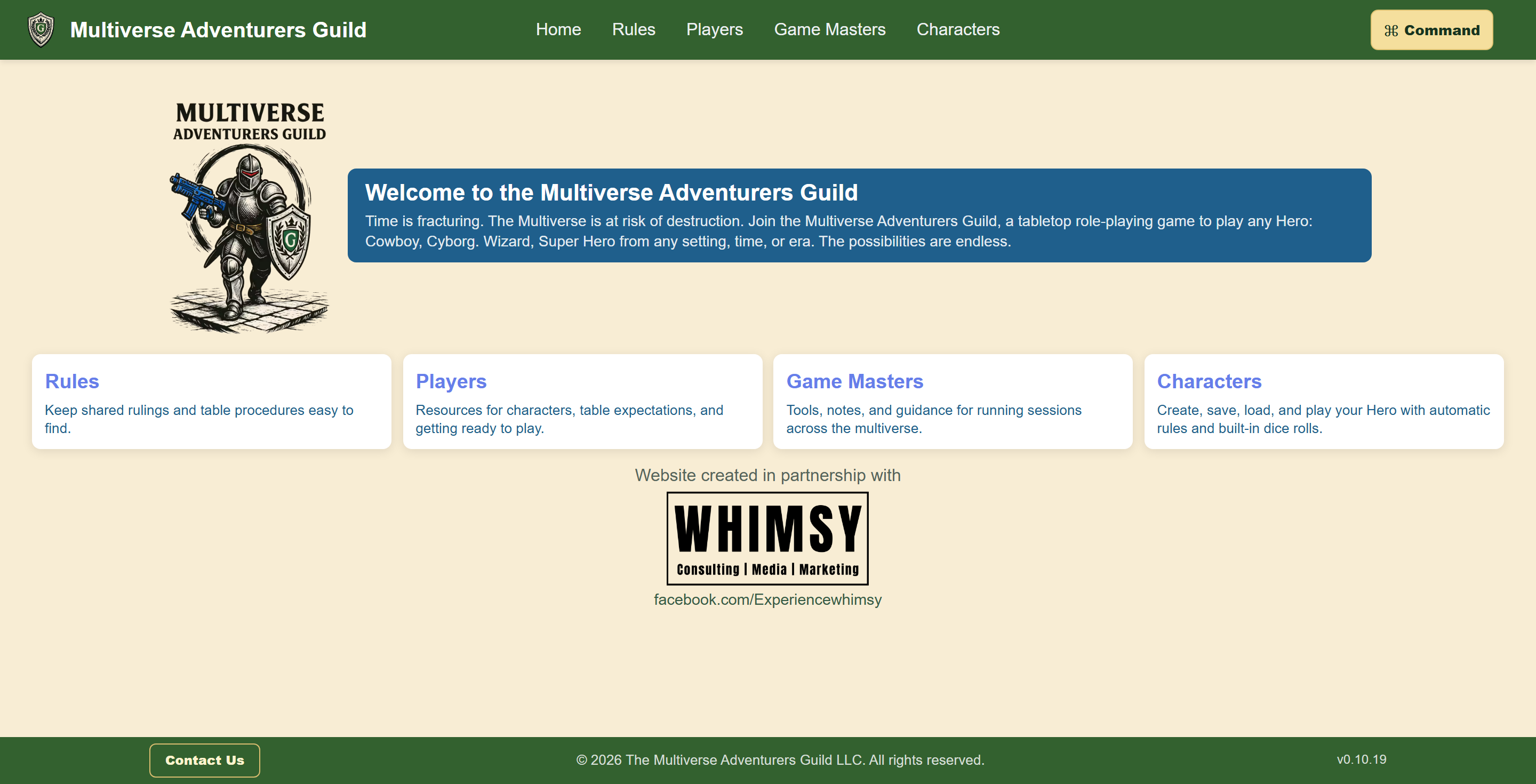
The project
Multiverse Adventurers Guild is a tabletop roleplaying game designed and written by Scott Bieniek. Its heroes can move between fantasy, science fiction, westerns, and other settings. The website had to explain that game while also helping people play it: finding a rule, creating a hero, making a roll, and keeping track of what happens next.
The result brings the game reference, character tools, and an accessible command interface into one application. Players can read and click, type instructions, or use spoken commands and audible responses. Accessibility shapes the interaction itself, including how a player finds controls, hears status updates, and returns to a character during a session.
What we built
Guides for players and Game Masters organize the game into readable sections. Links connect character choices to the rules that explain them.
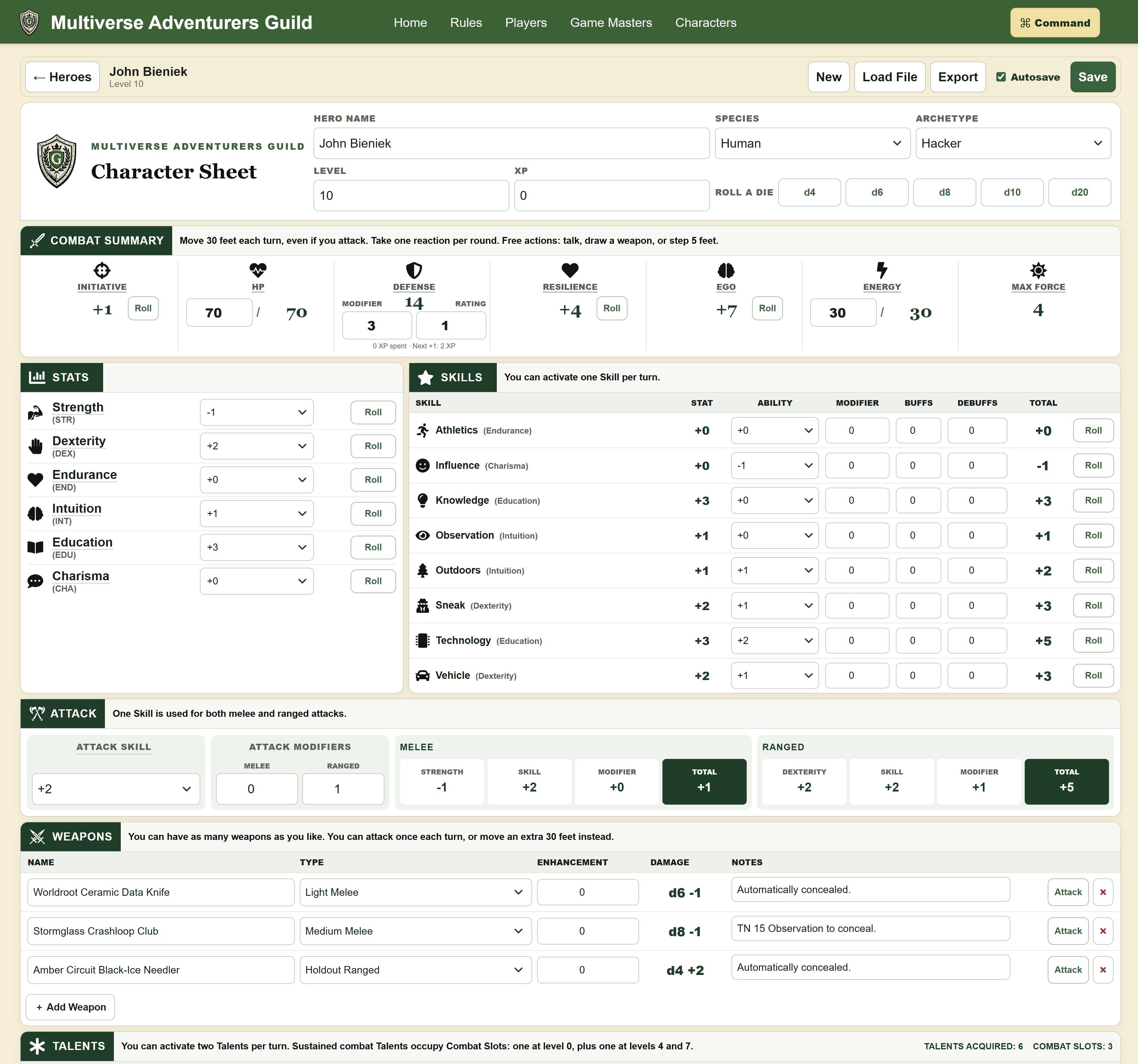
An interactive sheet keeps statistics, equipment, notes, and dice rolls together. Browser saves and character-file import and export let players return to their heroes.
Responsive layouts support play on phones and larger screens. Typed and spoken commands offer another way to navigate rules and use character tools.
Accessible interaction
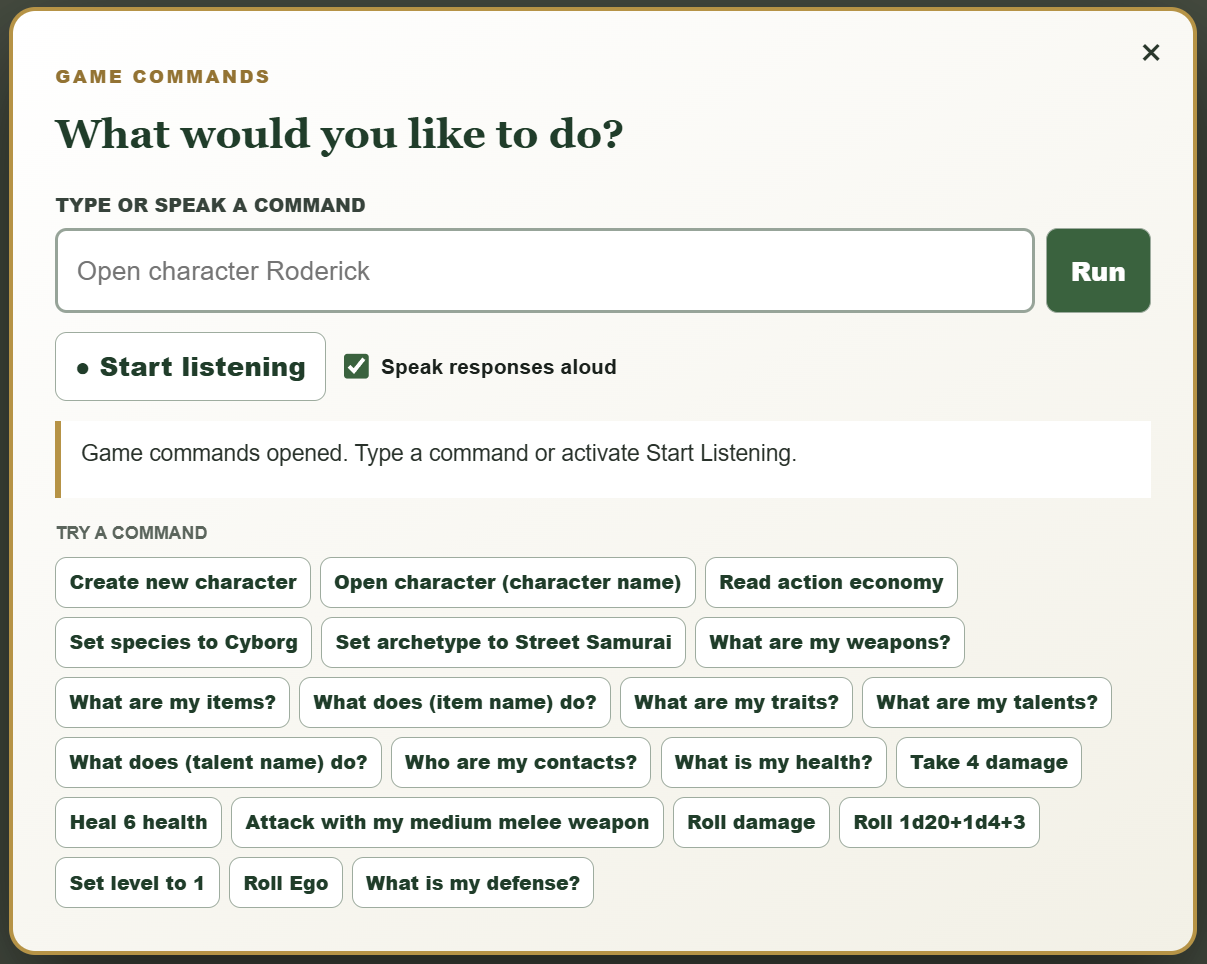
The command button stays at the top right throughout the application. It opens a focused window with a consistently positioned Start Listening control. A player does not have to learn a different route into voice interaction every time the page changes.
The interface announces when speech processing is loading, and distinct sounds mark the beginning and end of listening. The same requests work as typed text or spoken instructions. A player can ask to hear a rule, open the character sheet, inspect equipment, or make a roll without searching through visual controls. For the blind and visually impaired players of the game, this feature has enabled much more freedom to explore.
Interactive character management
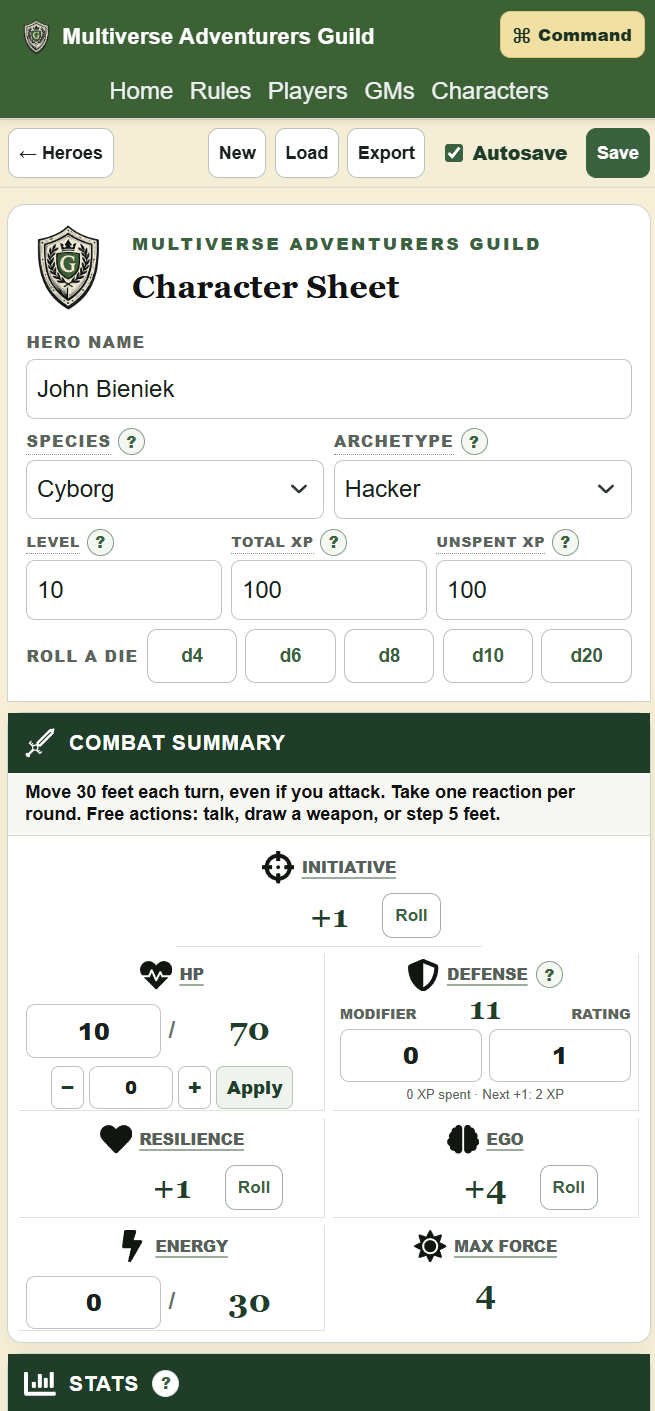
The sheet brings statistics, skills, defenses, attacks, resources, equipment, talents, contacts, and notes together. Selecting an archetype supplies starting values and traits, along with an appropriate equipment loadout. Related values update as the character changes, while integrated dice controls support checks, attacks, and damage.
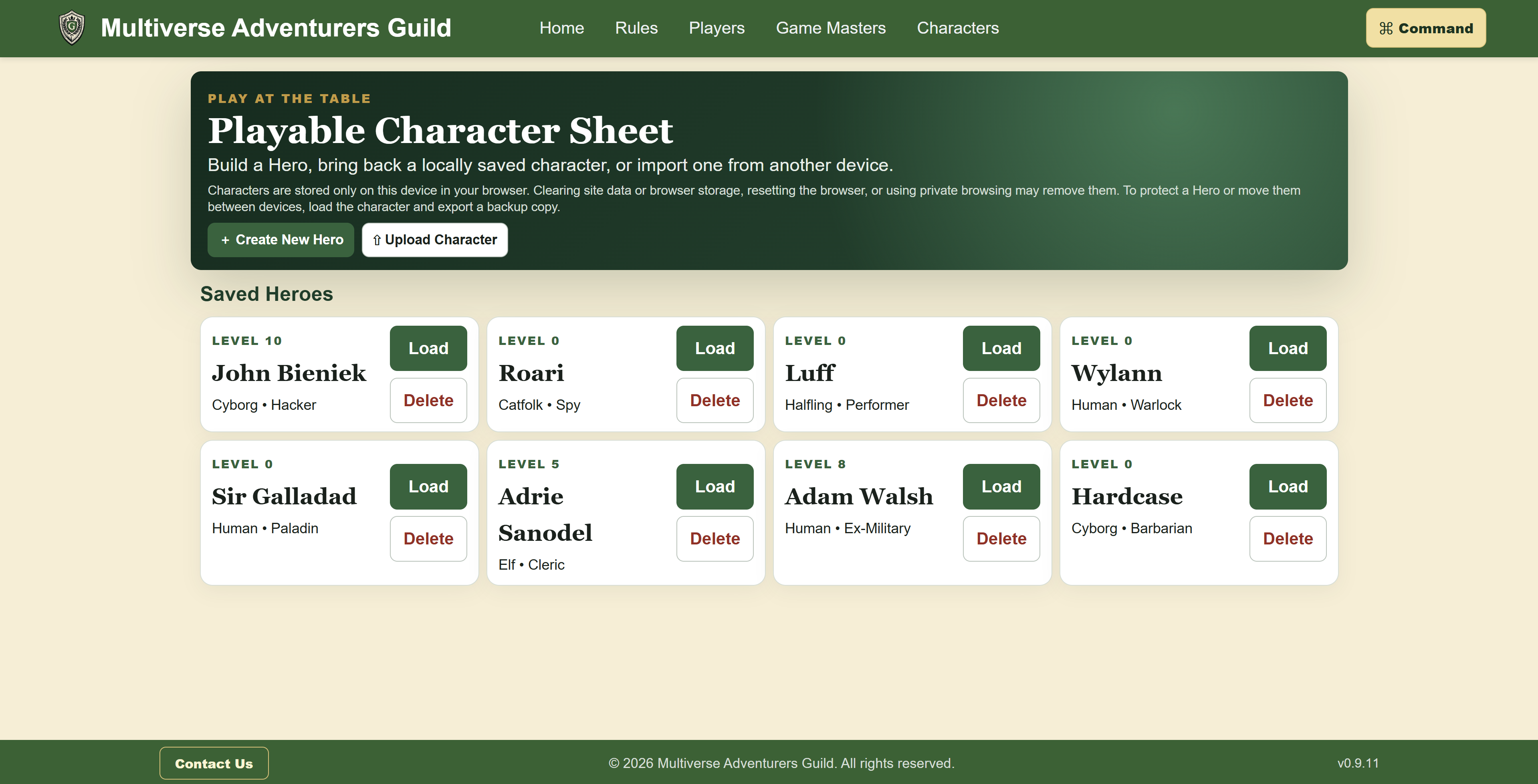
Characters can be saved in the browser and reopened from a library. Explicit saves and autosave support ongoing play, while character-file export and import provide a way to back up a hero or move it between devices. A saved character is part of the application’s navigation, so returning to play does not mean starting the setup again.
Set a name, species, archetype, statistics, skills, weapons, traits, and contacts conversationally, then ask to hear those details again.
Request rolls and hear the results, apply damage, and receive guidance through the game’s death-watch steps when a character falls below zero.
Describe a roll in everyday language. The application combines dice and bonuses and announces the total, reducing the calculation a player needs to do.
Content and navigation
Players and Game Masters each have a dedicated section explaining the game's rules. Stable section links let a character-sheet label lead directly to the rule behind a skill, item, weapon, or talent. That makes the publication useful in the middle of a game, when a player needs a specific answer quickly.
Responsive delivery
The rebuild carries the original game’s identity into a clearer application with stronger hierarchy, contrast, spacing, and direct navigation. On smaller screens, controls and content reorganize for the space available rather than shrinking the desktop layout.
That combination matters during real play. The rules remain available on a phone, the character library stays within reach, and the command interface offers another way to use the same tools. The project demonstrates how a content-heavy website can become an interactive product without separating the publication from the audience using it.
On a smaller screen
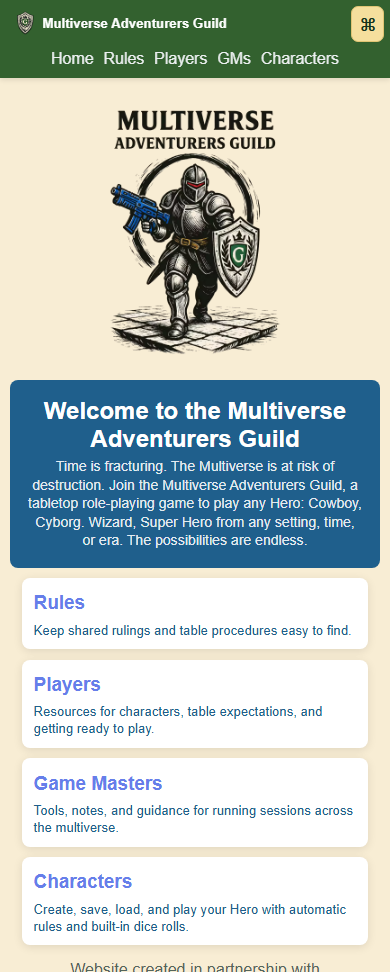
Mobile views keep the game reference and character tools close at hand. These screens show how navigation, readable rules, and character details fit into the space a player has on a phone.
Software by John Bieniek. Read the engineering overview ↗
Let’s build something useful for your audience and your community.
Start a conversation →