
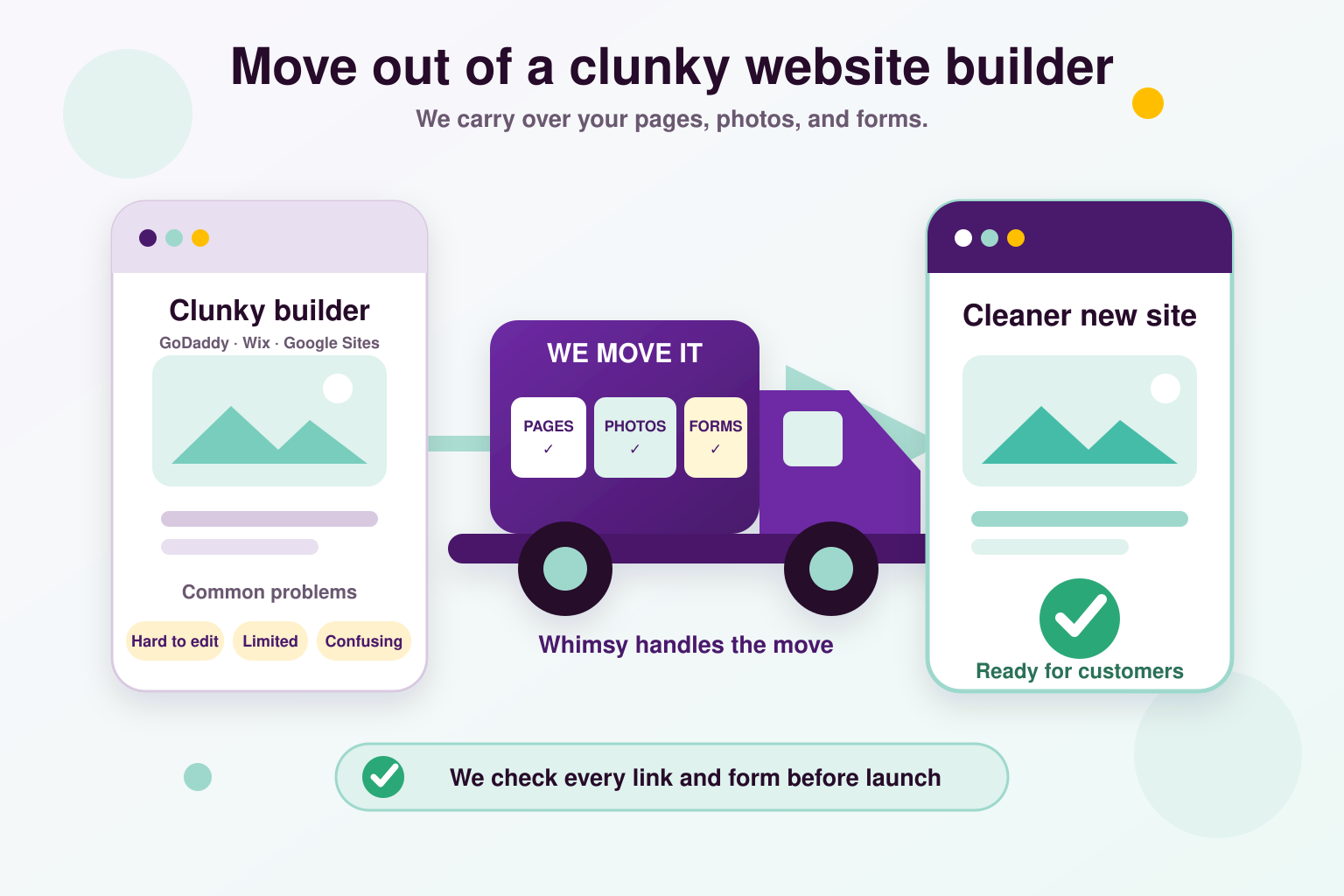
How we work
- 1Review every page, feature, and account
- 2Build the replacement and test it with you
- 3Connect your domain, verify, and hand over
What we do
Keep what works. Move forward.
We begin with a complete inventory of your website: pages, menus, images, downloads, contact forms, booking tools, payment links, and other features. Together, we confirm what needs to stay, what needs updating, and how the replacement will work. Keeping your existing pages and functionality is part of the plan, not something left until launch day.
Moving away from Wix or a similar closed website builder can mean rebuilding the site rather than copying its files. We recreate your content and layouts and reconnect the tools your customers use. If a platform-specific feature needs a replacement, we explain the options and agree on the solution and any additional cost before starting.
You keep your existing domain name. We connect it to the new site by updating its routing settings, check the security certificate, and preserve existing page addresses wherever possible. Where an address changes, we add a redirect to send visitors to the right page. We also review your email settings so the website move does not accidentally disrupt business email.
Easy updates, included
We build it. You can keep it up to date.
Once your website is up, you can edit it yourself without any software development knowledge. We set you up with Pages CMS, a free website editor. CMS stands for Content Management System. That simply means a place to change the words, pictures, and business details on your website.
Think of it like filling in a form. Update your hours, change a price, replace a photo, or add an announcement in the sections we prepare for you. Your website keeps the design we built while you keep the information fresh.
You will have a seperate beta copy of your website to test your changes. This is a practice version with its own link. You can publish changes there first, see how they look, and check photos, links, and page layouts before your customers see them. When you are happy, you can promote those changes to your live website, the real version your customers visit. Your live site stays as it is until you choose to publish the checked changes. We show you how to use both copies and move changes from beta to live.
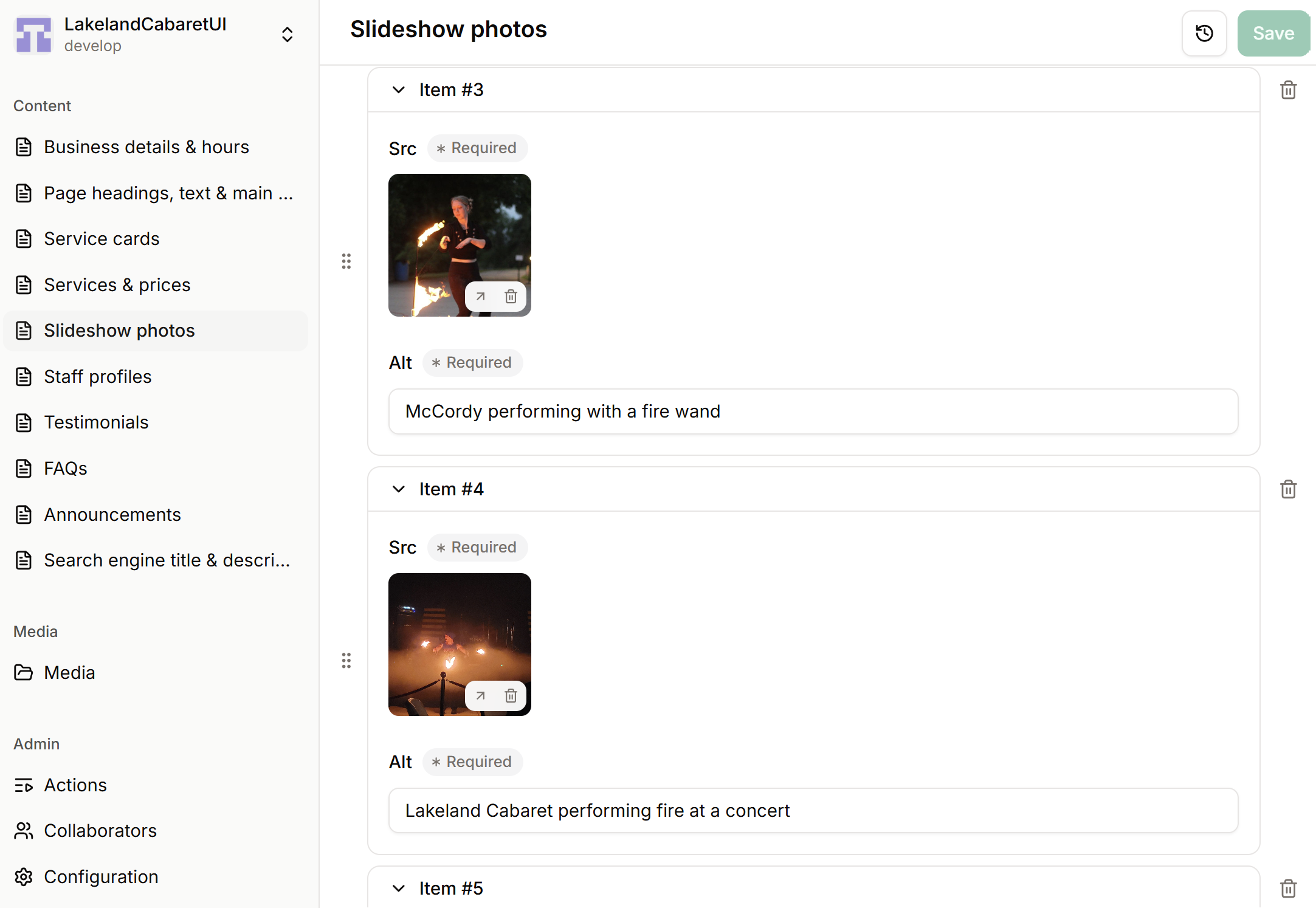
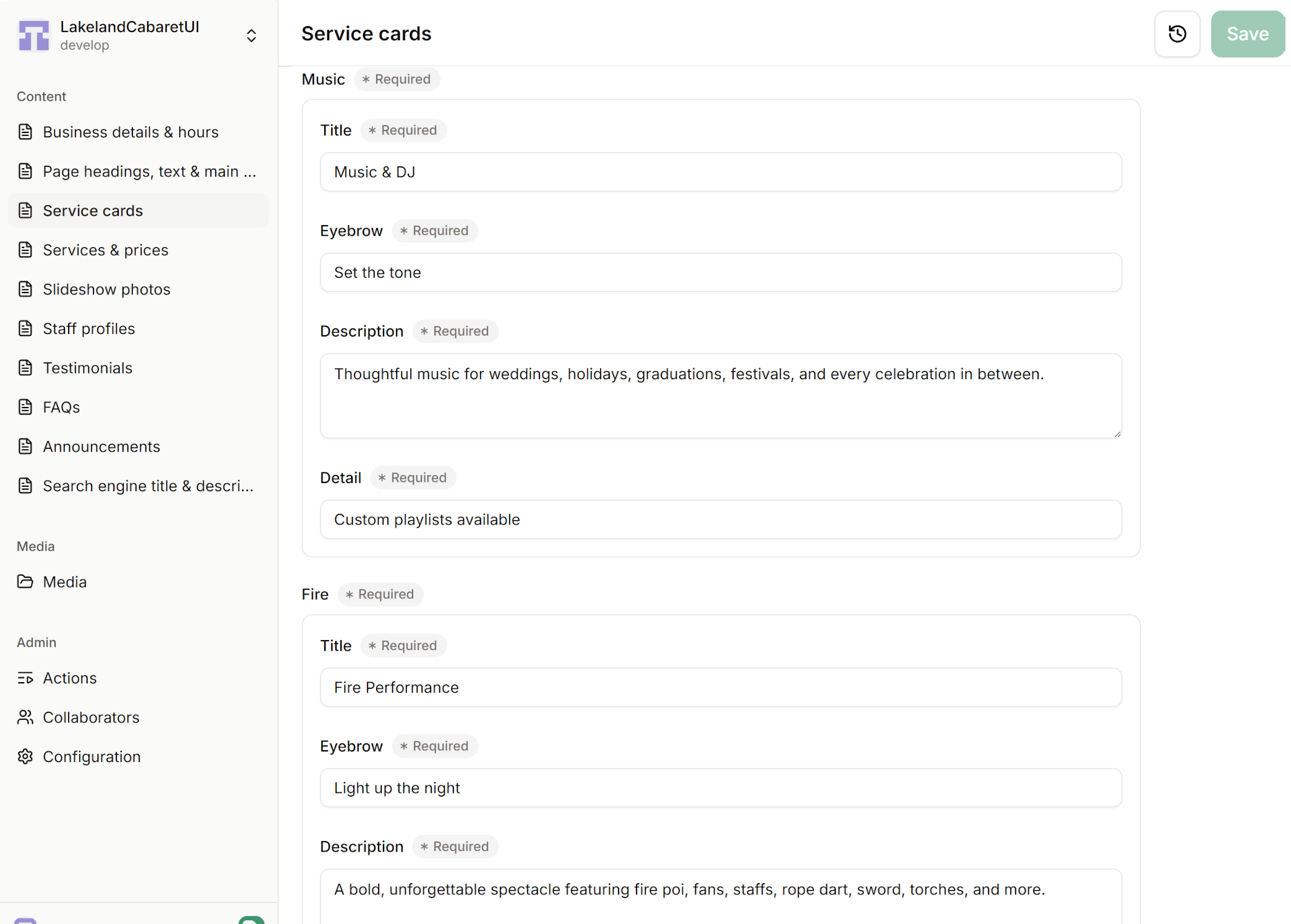
Sign in
Open the editor link we give you in your web browser. We help you get access and show you around before handing over the site.
Edit and test on beta
Select your beta copy, choose a section, then type into the labeled boxes or upload a photo. Save to publish to the beta site first. Open its link to check your changes and make any adjustments. You do not need to install software or write code.
Publish when you areyou're ready
Once everything looks good on beta, follow the steps we show you to promote your changes to the live site. Give it a moment to update, then open your usual website address to check the finished result.
Your everyday edits are free. There is no monthly Pages CMS subscription and no need to pay us each time you change your content. We include a walkthrough and follow-up email support. Want a new layout or extra features later? We can help with those separately.
Less to pay. Easy to manage.
Keep your website. Lose the builder subscription.
If you are paying Wix, Canva, Squarespace, WordPress.com, or Webflow just to keep your website online and make changes, we can help you move away from that recurring bill. Once your replacement is live, everyday content updates through Pages CMS are free. Choose a section, change the words or photos, and save.
The standard website transfer is a one-time $750 service. Pages CMS access and your own content edits have no subscription fee.
| Service & example plan | Per monthMonthly | Per year |
|---|---|---|
| Wix LightEntry paid website plan | $17 | $204 |
| Squarespace BasicEntry paid website plan | About $16 | About $192 |
| Canva ProOne person; also includes design tools | $15 | $180 |
| WordPress.com PersonalHosted WordPress.com plan | $4 | $48 |
| Webflow PremiumWebsite plan with a content editor | $25 | $300 |
| Your Pages CMS editorIncluded with your Whimsy website | $0 | $0 |
Price examples reviewed September 9, 2026. Follow each plan link for current pricing; location, taxes, promotions, and renewals can change your bill. These packages include different features. Free plans also exist, including Canva Free; moving a free site does not create subscription savings.
What could you save?
Replacing a $17-a-month website plan removes $204 a year in subscription charges. With these savings, the transfer more than pays for itself over time. Higher monthly bills can mean a quicker payback.
What might you still pay for?
Your domain name still needs renewing. However, that cost will be the same or lower than if you stay with your old provider. We confirm hosting costs and any paid email, booking, shop, or other tools before the move; free hosting can suit a straightforward business website. Optional work you ask us to do is separate. We help you check what can be canceled after launch so you keep the services you still use.
After the move
Your website, with access and answers.
Full CMS access, on your terms
You get full access to our Content Management System and can make your own website content updates for free, without contacting or hiring us. We show you how to make changes and give you access to your transferred files and the accounts needed to manage the site, including hosting and analytics. Your domain remains under your control.
Follow-up email support covers questions about the transfer and using your CMS. If you would like us to make edits for you or build additional features, paid help is optional and available through Website Support.
Understand how people use your site
We set up Cloudflare Web Analytics and show you how to open its dashboard. Think of it as a simple activity report: how many visits and page views your site receives, which pages get attention, which websites send people your way, and whether they visit on a phone, tablet, or computer.
You can also see how quickly pages load for visitors. These trends help you decide what content to improve and where to focus your marketing. The reports show traffic patterns, not a list of named visitors or a guarantee that a visit became a sale. Ad blockers and browser settings can prevent some visits from being counted.
What's included
Your website, moved, checked, and handed over.
The agreed transfer includes your existing pages and functionality, basic content updates, domain setup, launch checks, and a practical handoff.
Pages, features, and updates
Migrate or rebuild your existing pages and agreed functionality, with basic updates to current text and images. Any new pages, extra features, or larger redesigns are quoted separately.
Same domain, checked connectionsSame domain, validated
Connect your existing domain, configure DNS, review email settings, and check redirects, forms, and the live site after the move.
Full CMS access and analytics
Full CMS access lets you update your website content yourself for free, without needing us. Website management accounts, Cloudflare Web Analytics setup, and a walkthrough of its reports are included.
Launch and follow-up support
Review the replacement before switching over, verify the launch, and get follow-up email support for questions about the transfer.